
Download System47 Screen Saver – Star Trek, LCARS, screensaver, Starfleet, galaxy map, 3D sector scan, Star Trek fan, Star Trek enthusiast, Star Trek desktop, Star Trek utility, Star Trek tool
Overview
The System47 Screen Saver is a niche yet immersive digital experience designed specifically for Star Trek enthusiasts and fans of science fiction aesthetics. Tailored to replicate the iconic LCARS (Library Computer Access and Retrieval System) interface from the Star Trek universe, this screensaver transforms a computer’s idle screen into a dynamic, interactive display reminiscent of Starfleet technology. It brings the visual and auditory essence of the franchise into everyday computing, offering a unique blend of entertainment and nostalgia. The screensaver is ideal for users who value thematic desktop environments and enjoy visual storytelling through digital tools.
It solves the common problem of idle screen monotony by replacing static backgrounds with evolving, cinematic visuals. Real-world use cases include personal computers used for work or leisure, where users seek a more engaging visual experience during breaks or inactive periods. The screensaver also appeals to collectors, fans of retro-futuristic design, and those who appreciate high-quality digital tributes to beloved franchises. Its presence in the entertainment category underscores its role as a utility for aesthetic enrichment rather than functional productivity.
Developed by System47, the application has maintained relevance since its release in 2008. Although the developer did not provide additional technical details, the longevity of the app suggests a stable and well-architected design. Its continued availability as a free tool highlights its status as a community-driven tribute, contributing to the broader ecosystem of fan-made digital content and retro-tech aesthetics.
Key Features & Functionality
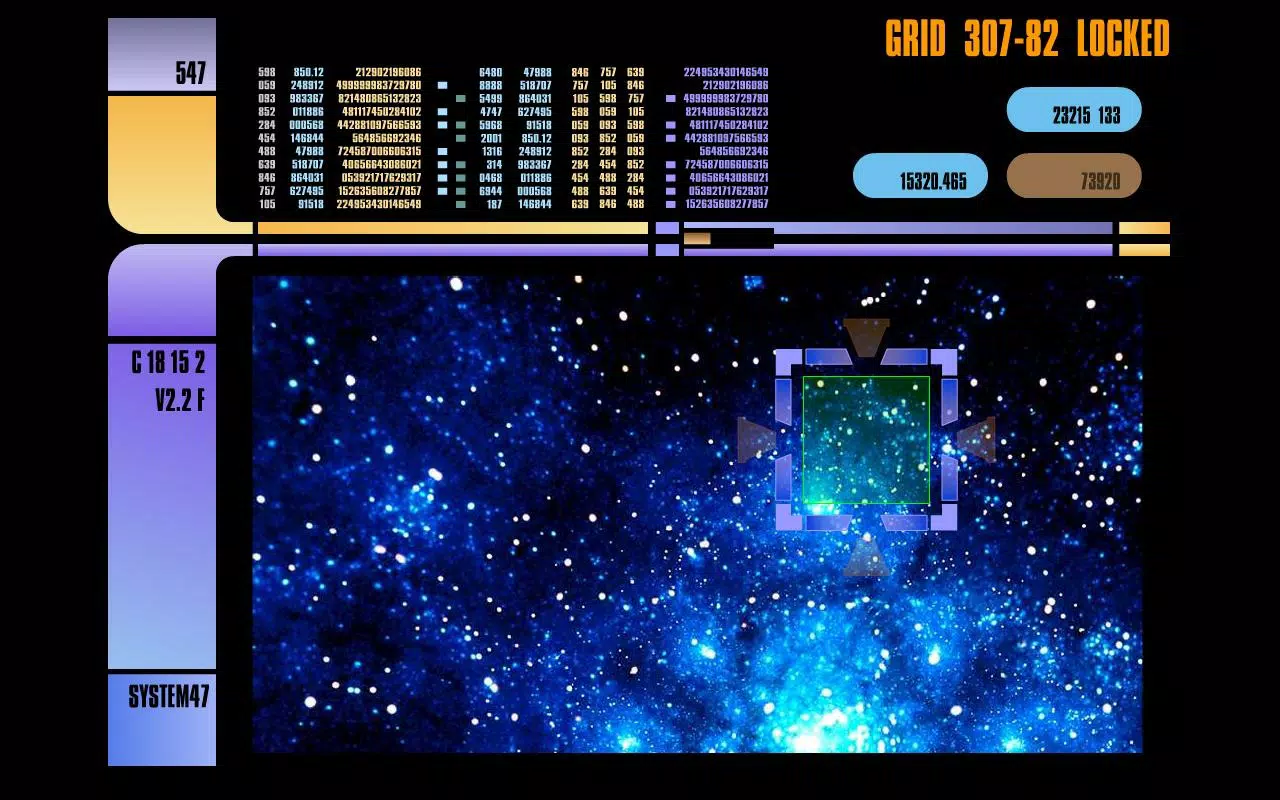
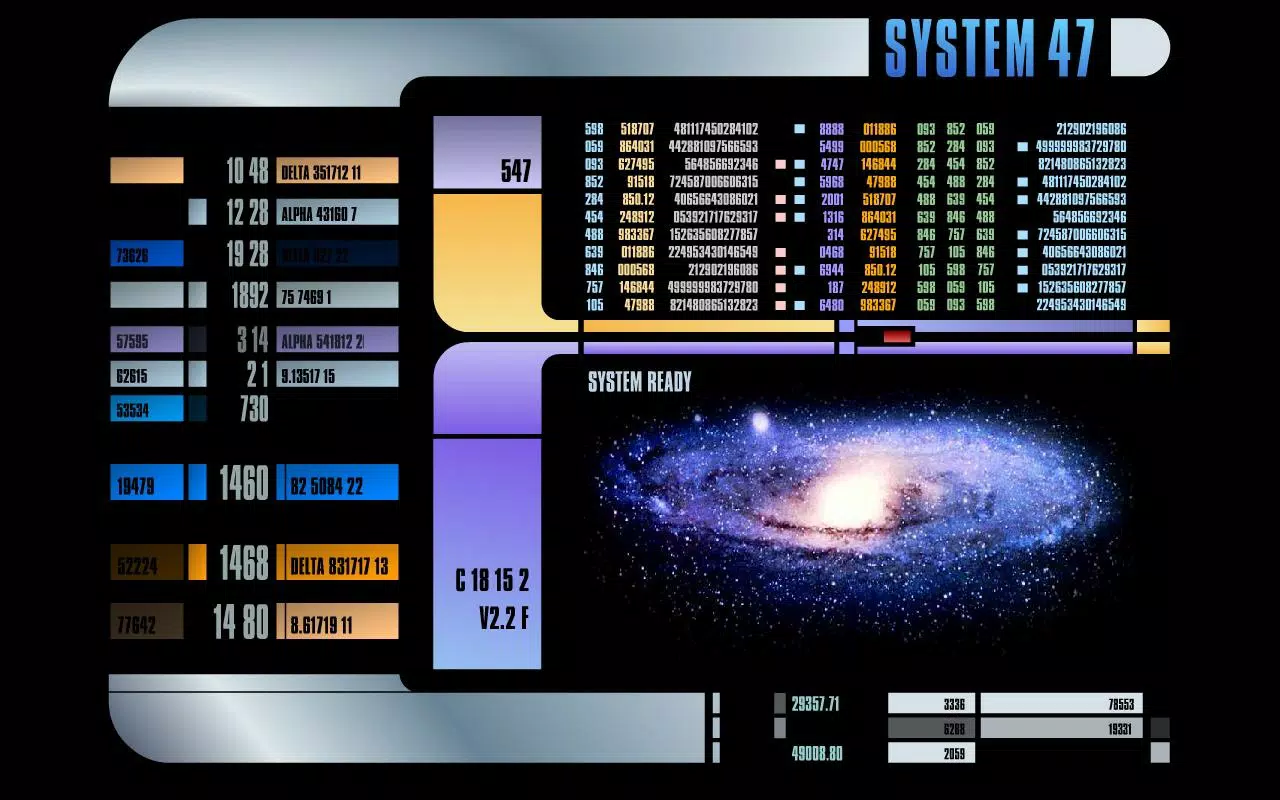
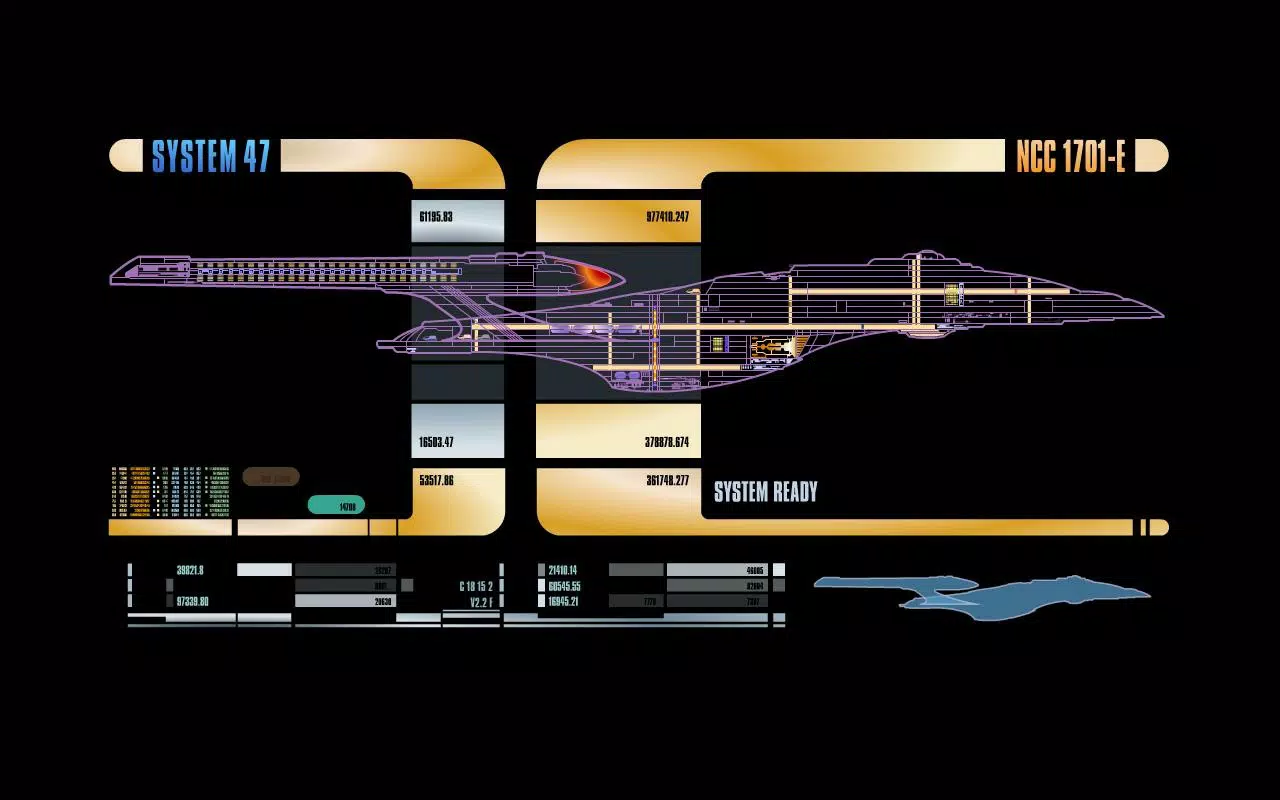
- LCARS Interface Design: The screensaver faithfully reproduces the sleek, futuristic interface of the LCARS system seen across multiple Star Trek series. With its distinctive blue and white color scheme, grid-based layout, and animated icons, it delivers an authentic Starfleet terminal experience. Users can feel immersed in the world of Starfleet, even when their computer is idle.
- Dynamic Galaxy Visuals: Upon activation, the screensaver displays intricately detailed galaxy maps that shift and evolve over time. These visualizations include star clusters, nebulae, and known regions of the Milky Way, offering a visually rich representation of space exploration as portrayed in the franchise.
- 3D Sector Scans: The inclusion of 3D sector scans adds a layer of depth and realism to the experience. These scans simulate the way Starfleet officers analyze spatial data, presenting layered views of star systems with depth cues and rotating perspectives, enhancing the sense of exploration and discovery.
- Appealing Soundtrack: A carefully composed soundtrack complements the visuals, featuring ambient tones and thematic motifs inspired by the Star Trek score. The audio enhances immersion without being intrusive, creating a cohesive sensory experience that appeals to both fans and newcomers.
- User-Friendly Experience: Installation and configuration are straightforward, requiring minimal technical knowledge. Users can adjust activation timing and visual settings through a simple interface, ensuring accessibility for all skill levels while maintaining customization options.
These features collectively create a multi-sensory experience that turns passive screen time into an engaging, thematic event. Whether used during a work break or as a nightly ritual, the screensaver transforms the computer into a portal to the Star Trek universe.
Interface, UX & Performance
The user interface of the System47 Screen Saver is clean and purposefully minimal, aligning with the LCARS aesthetic. The layout is intuitive, with navigation focused on activation settings and visual preferences. The design avoids clutter, ensuring that the core experience remains immersive without distraction.
Navigation is straightforward, with settings accessible through a lightweight configuration panel. Users can adjust the idle time before activation, choose between different visual modes, and control audio output. The responsiveness of the interface is consistent with the app’s age and size, though the developer did not list formal performance metrics.
Although the developer did not specify minimum OS requirements, the app’s small file size of 2.7 MB suggests efficient resource usage. It is likely to run smoothly on a wide range of Windows systems, including older hardware. Stability is implied by its long-standing availability, though no formal testing data was provided. The screensaver maintains consistent performance across various device categories, delivering smooth animations and transitions without significant lag.
Platform Compatibility & Technical Requirements
The System47 Screen Saver is available exclusively for Windows. The app was released on September 17, 2008, and is currently at version 1.0. The file size is 2.7 MB, indicating a lightweight and efficient application.
Compatibility information was not fully disclosed. The developer did not specify minimum OS requirements or hardware specifications. However, given its age and small footprint, it is likely compatible with most modern Windows systems, including Windows 7 and later. For users on older or less common systems, compatibility may vary, and testing is recommended. No additional dependencies or runtime environments were mentioned.
Pros and Cons
Pros
- Authentic LCARS interface design that appeals to Star Trek fans
- Highly immersive visual experience with dynamic galaxy maps and 3D sector scans
- Complementary soundtrack enhances the overall atmosphere
- Lightweight file size (2.7 MB) ensures minimal system impact
- Free to download and install, with no hidden costs
- Simple setup and configuration suitable for all users
Cons
- Platform limited to Windows only
- No information on compatibility with newer or older OS versions
- Release date indicates it is over 15 years old; may lack modern UI enhancements
- No official update history or developer support details provided
- Not available on mobile platforms such as Android or iOS
FAQ
Is the System47 Screen Saver free to use?
Yes, the app is available at no cost. It does not require payment or subscription for access or installation.
Can I install the screensaver on Windows 10 or Windows 11?
While the developer did not specify compatibility details, the app’s small size and age suggest it may work on modern Windows systems. However, testing is recommended for full compatibility.
Does the screensaver require internet access?
No, the screensaver operates offline. All visuals and audio are included within the app package and do not rely on external connections.
Is there a mobile version available for Android or iOS?
Currently, the System47 Screen Saver is only available for Windows. There is no official mobile version for Android or iOS devices.
How do I install the screensaver?
Download the installer from a trusted source, run the file, and follow the on-screen prompts. Once installed, it can be configured through the Windows Display Settings under the Screensavers tab.
Final Thoughts
The System47 Screen Saver stands as a dedicated tribute to the Star Trek universe, offering a unique and immersive experience for fans and enthusiasts. Its faithful recreation of the LCARS interface, combined with dynamic visuals and a fitting soundtrack, transforms idle screen time into a moment of digital escapism. Despite its age, the app remains functional and visually compelling, thanks to its lightweight design and enduring aesthetic appeal.
It is particularly valuable for users who appreciate thematic desktop environments and enjoy blending pop culture with daily computing. Whether you're a long-time Trekkie or simply drawn to futuristic design, this screensaver delivers a sense of wonder and nostalgia. Its free availability and ease of use make it a low-risk, high-reward addition to any Windows desktop.
Download System47 Screen Saver now and bring the spirit of Starfleet to your screen.


